
Slurm clusters,
one command away.
Create and manage containerized Slurm clusters for development, testing, and CI/CD workflows. Inspired by kind, sind offers a familiar CLI for spinning clusters up and tearing them down.
# one controller and one worker
$ sind create cluster
$ sind exec -- srun hostname
worker-0
$ sind delete cluster
- uses: GSI-HPC/sind-action@v2
with:
clusters: |
- test/cluster.yml
- run: sind exec -- srun hostnamekind: Cluster
name: dev
nodes:
- controller
- db
- worker: 3See it in action
The CLI, the web UI and what sind sets up around a cluster, recorded from real runs.
- Open
- Start
- Use Slurm
- Reach nodes
- Operate
- Slurm services
- Realms
- Web UI
- Automation
- Close
A web UI for your clusters
Run sind ui to watch clusters, nodes and runs in a browser. It runs the same sind commands as your terminal.
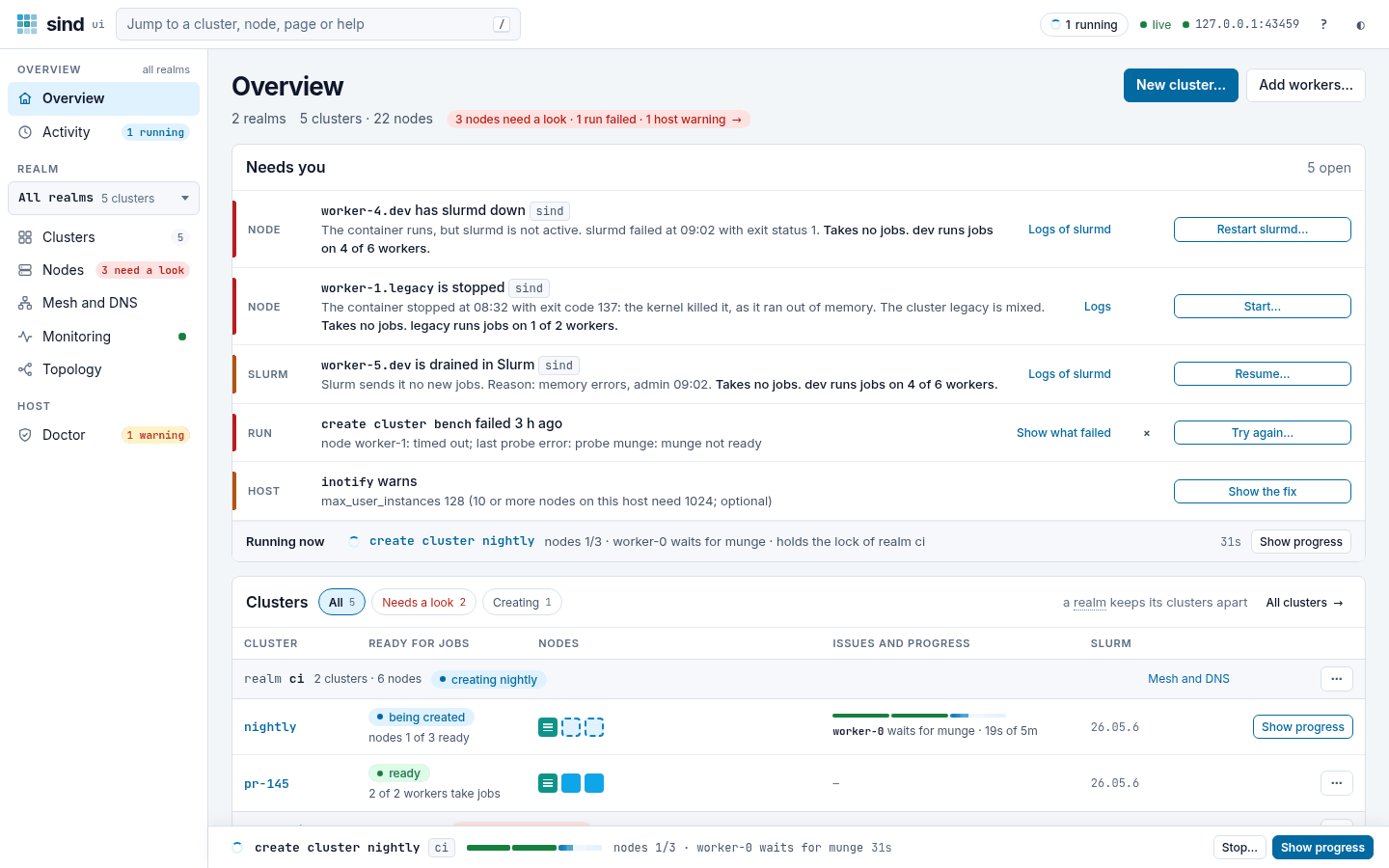
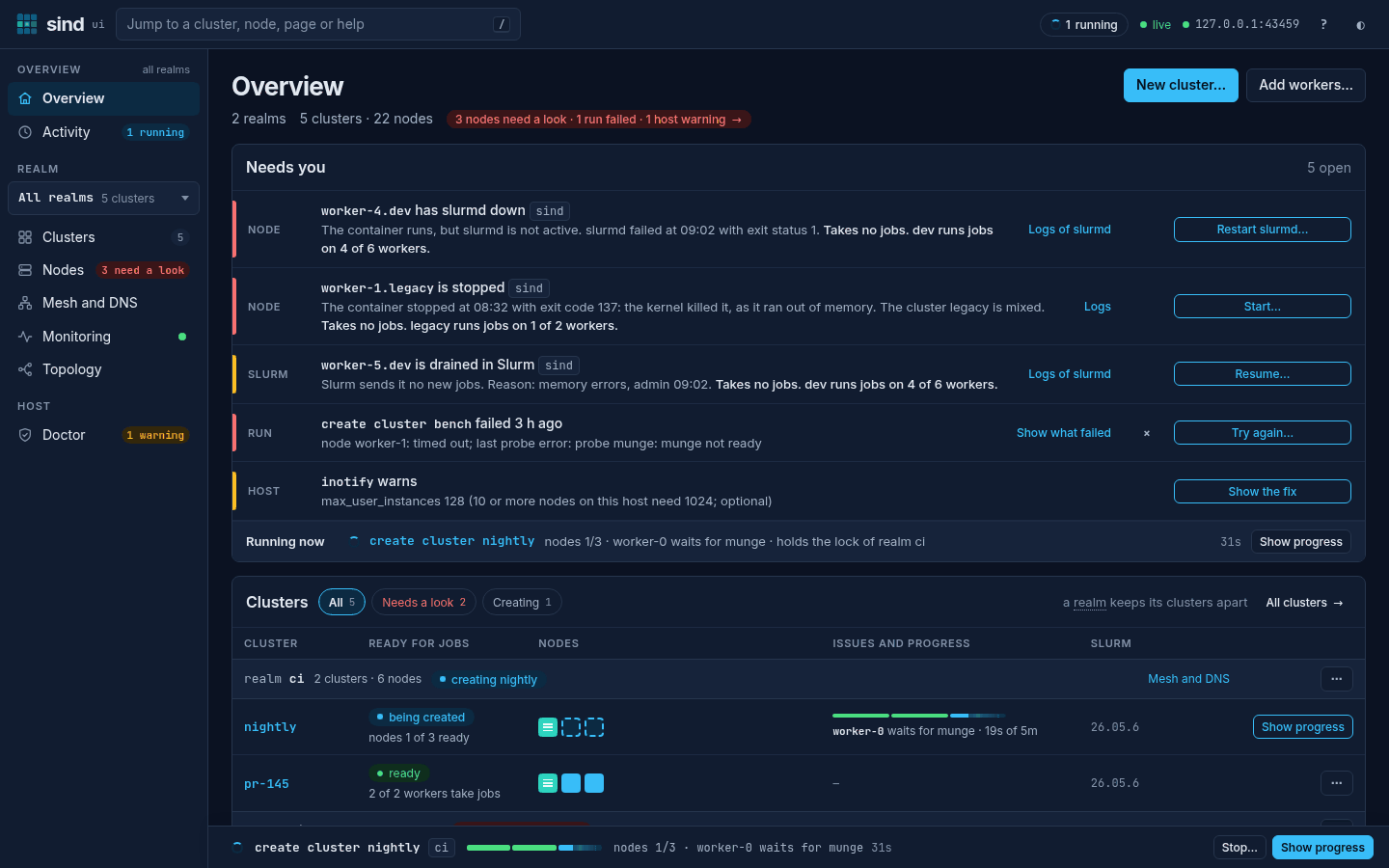
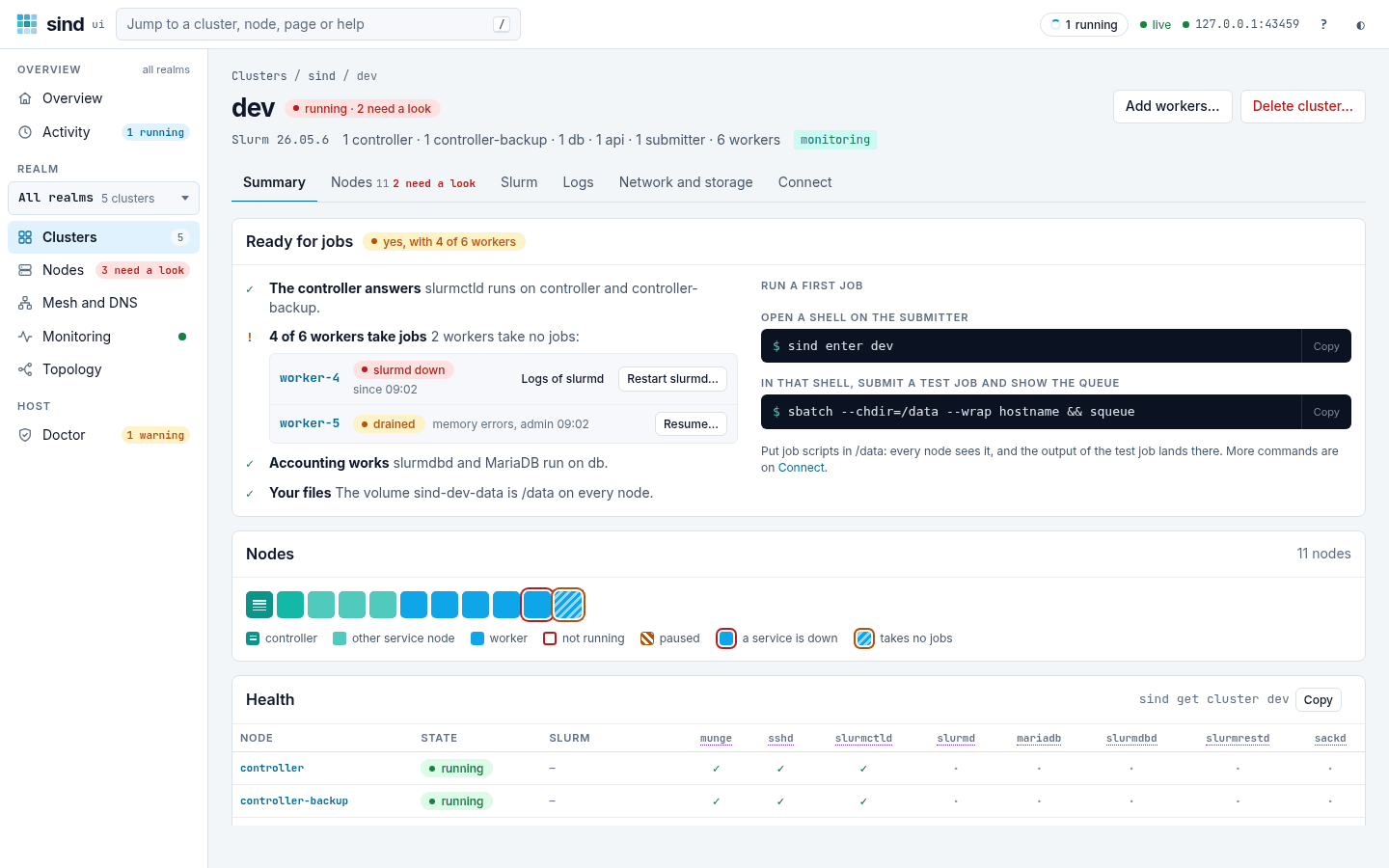
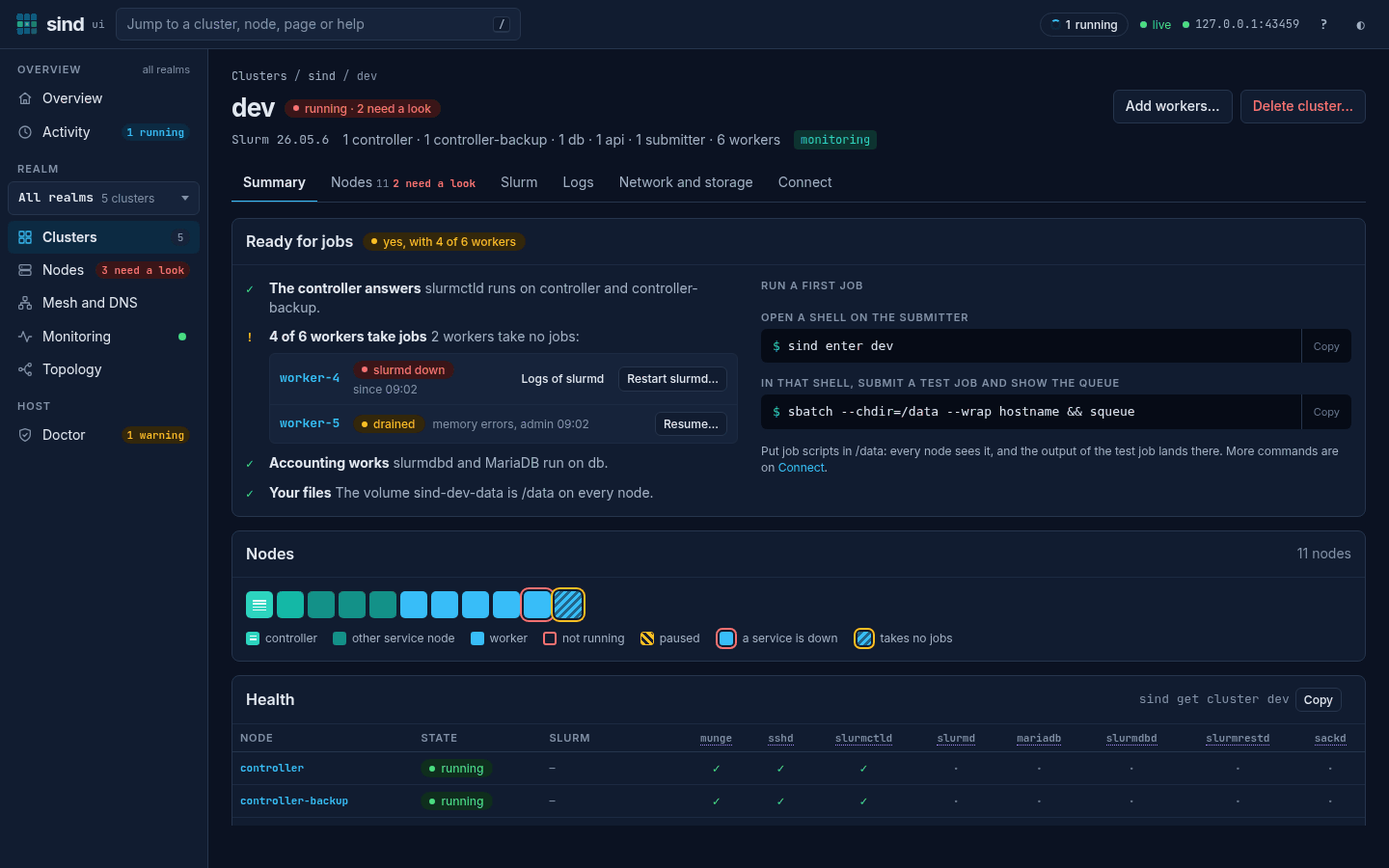
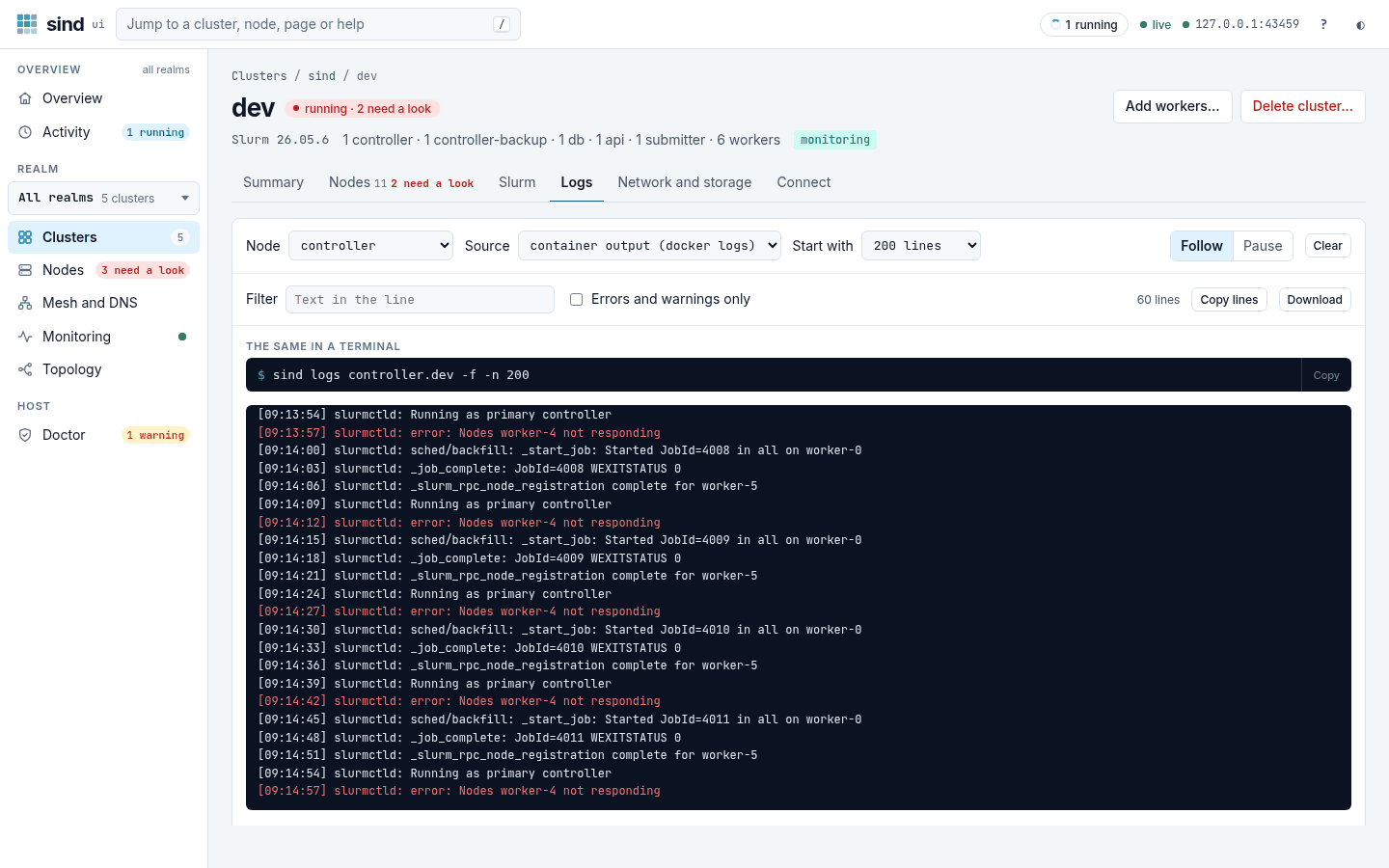
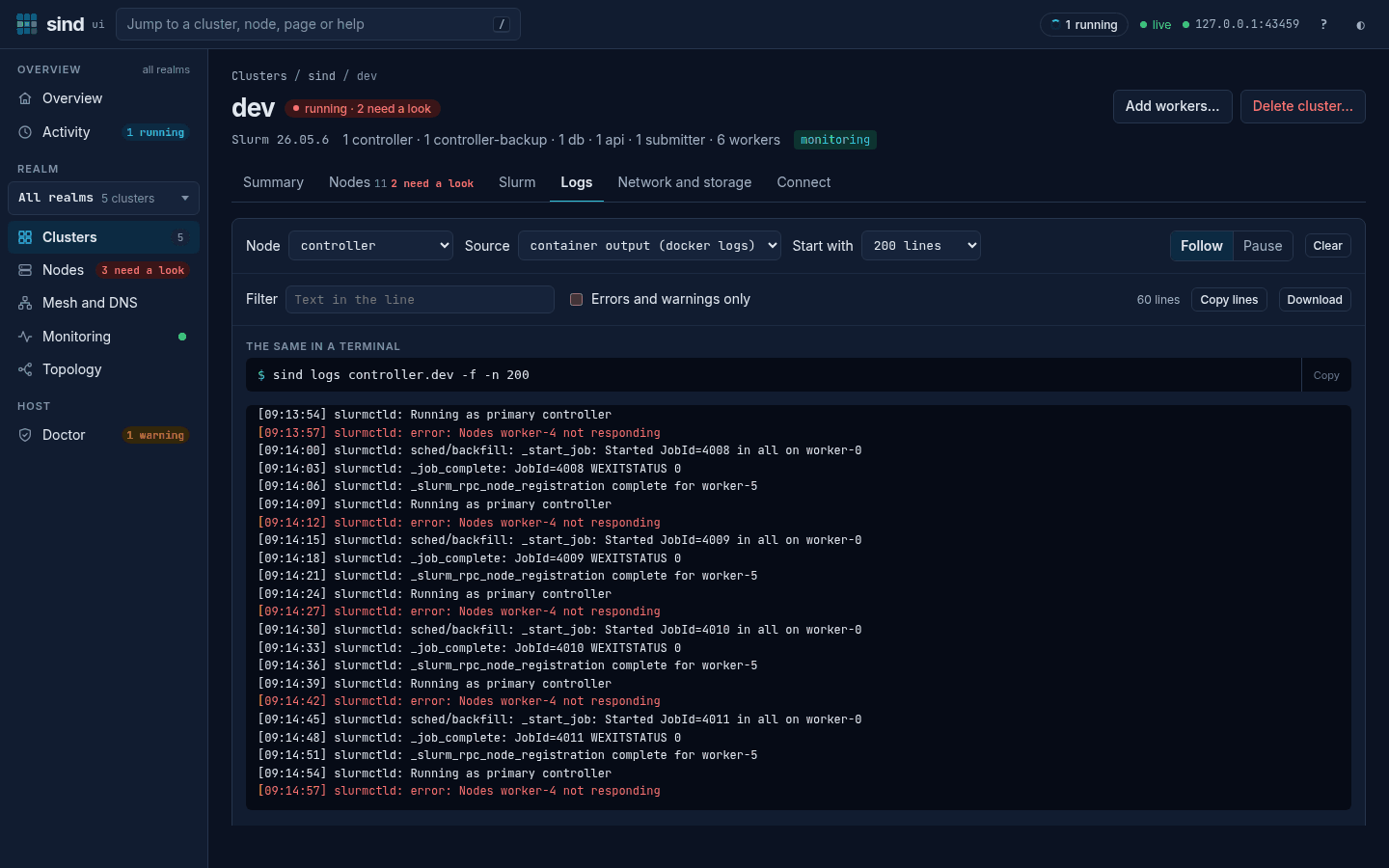
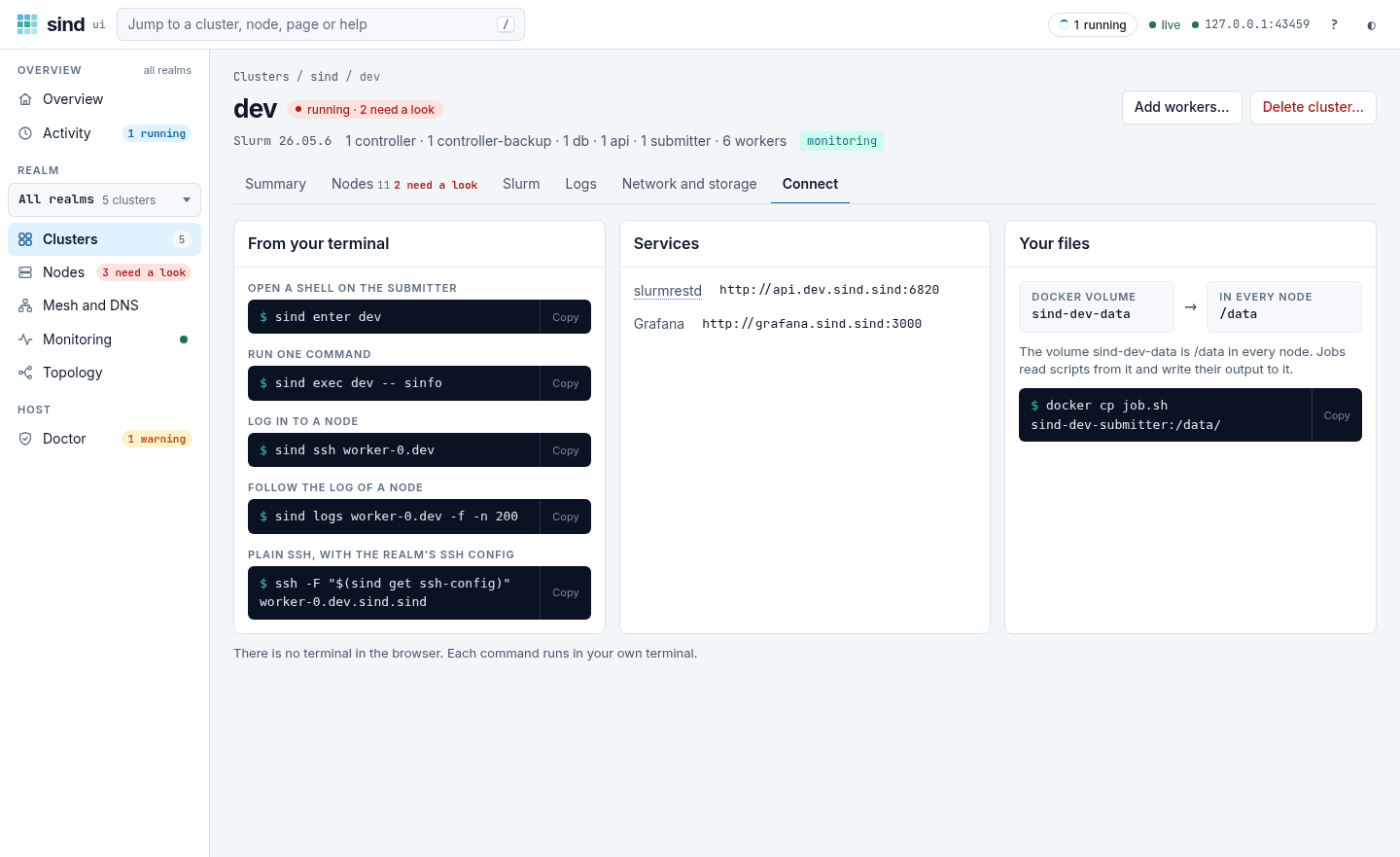
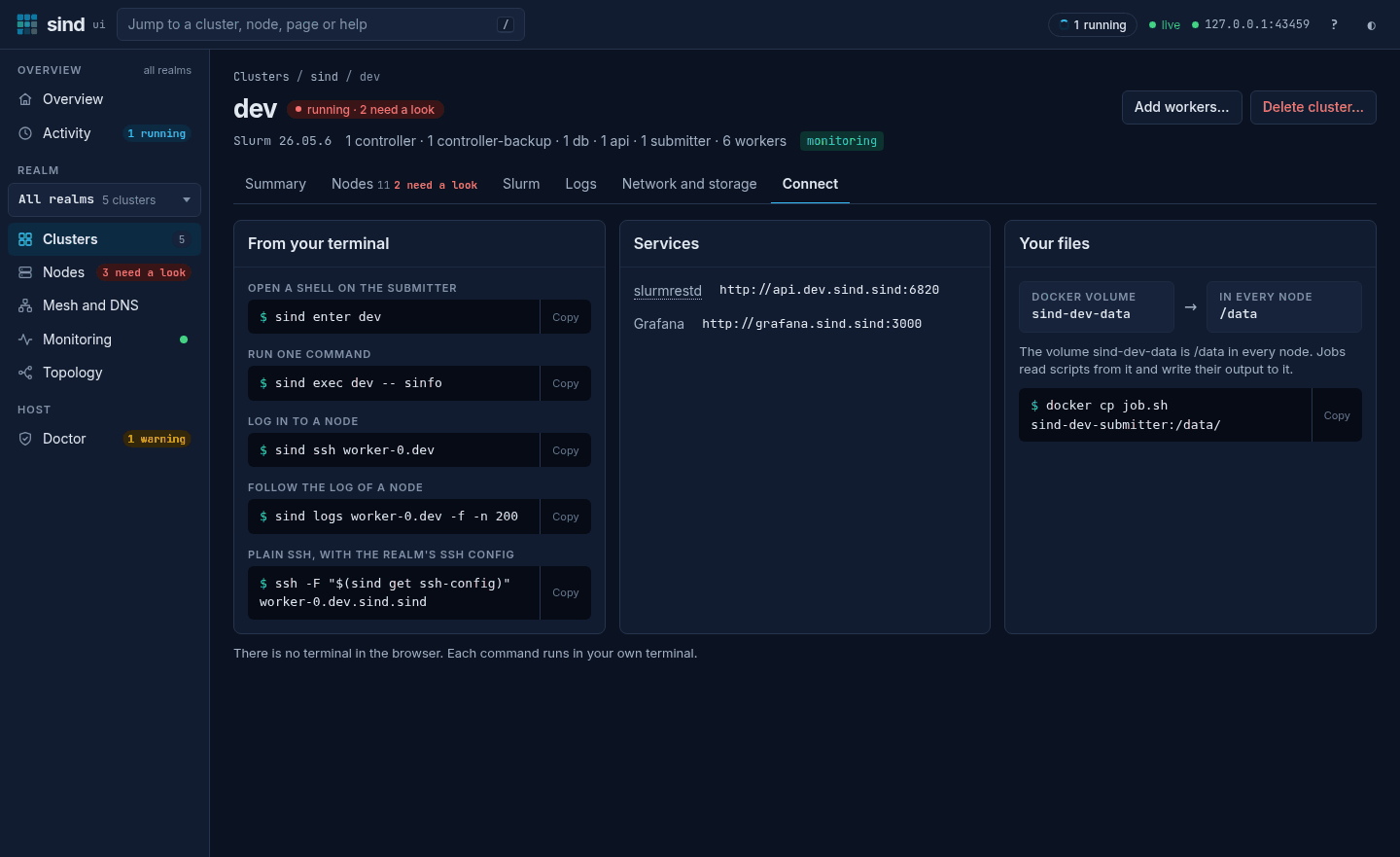
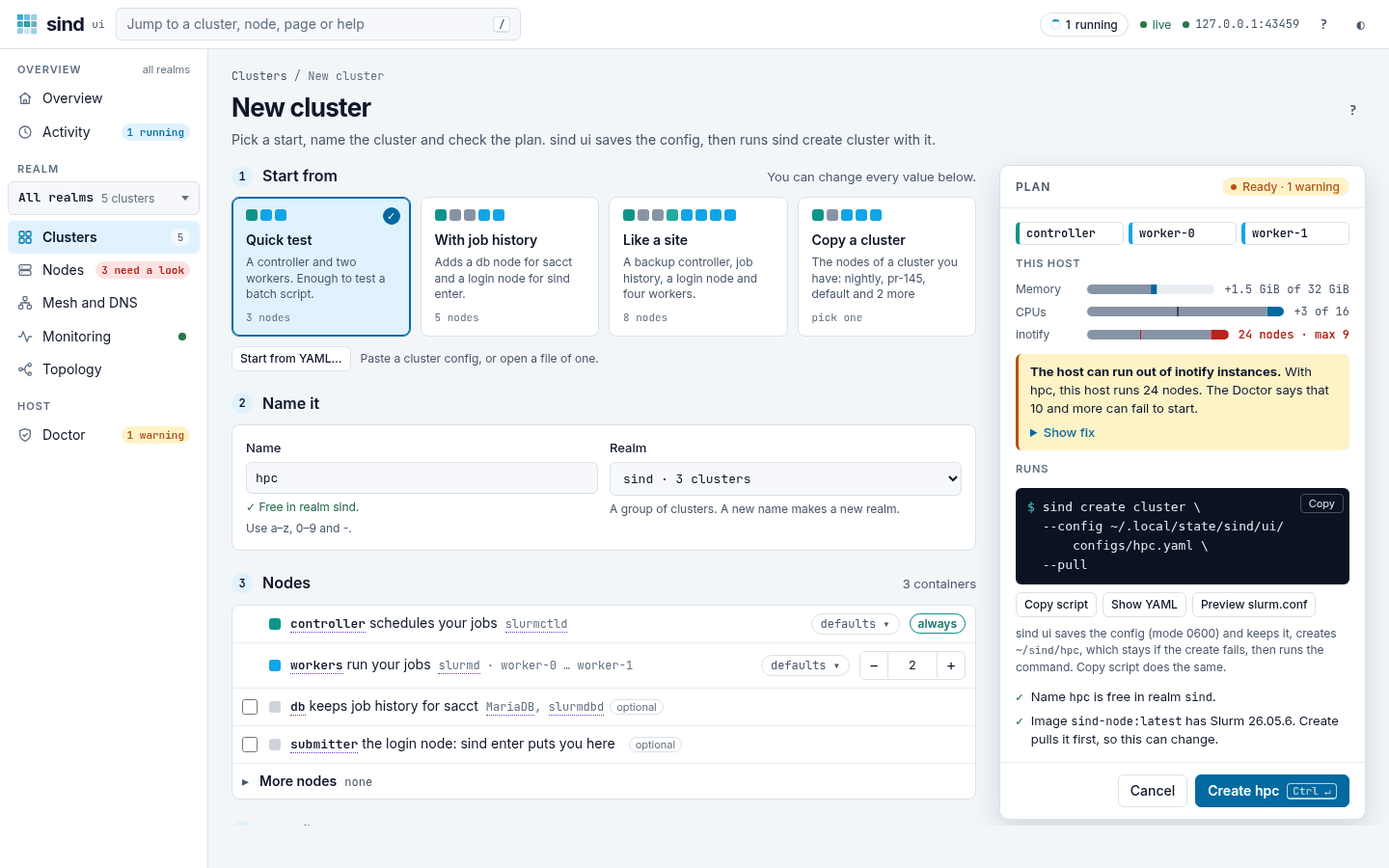
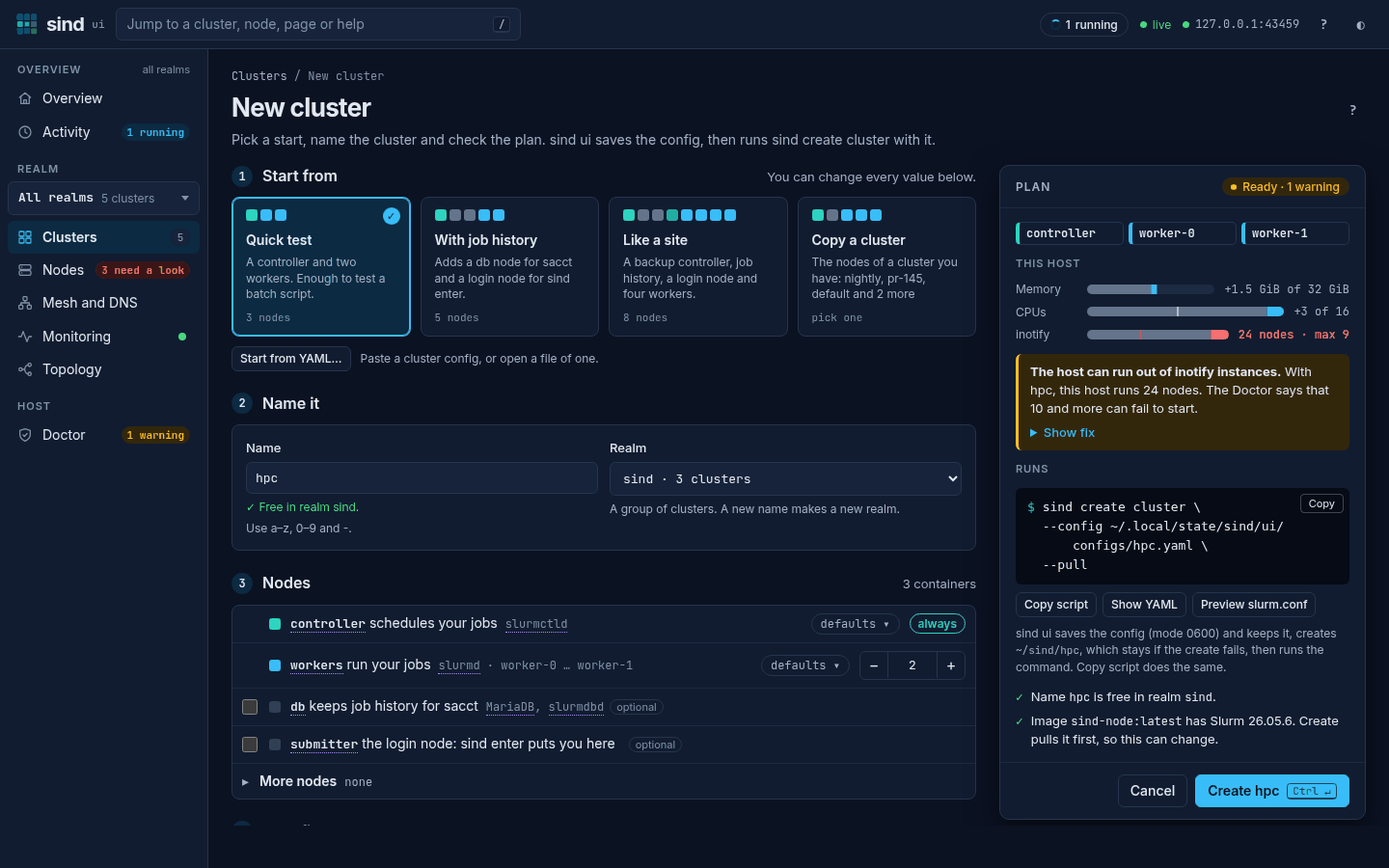
- See every realm, cluster and node, and the services that are down.
- Act from a page or a dialog: create a cluster, add workers, power nodes. Each shows the exact
sindcommand first. - Follow long commands live, step by step and node by node.
Clusters
Real Slurm topologies in containers, from a laptop to a CI runner.
Multi-node, multi-cluster & multi-realm
Run controller, database, REST API, submitter, and worker nodes side by side — or spin up multiple clusters across isolated realms with shared networking.
System containers
Full systemd-based nodes that emulate bare metal — use the same config management tools you already have.
Worker lifecycle
Dynamically add and remove worker nodes from running clusters.
Power cycle simulation
Shutdown, reboot, freeze, and power-cycle nodes to simulate real-world failure scenarios.
Node expressions
Node arguments take ranges with steps and set operators, such as worker-[0-6/2] or worker-[0-3]!worker-2.
Multiple Slurm versions
Official node images for Slurm 26.05 and 25.11 on linux/amd64 and linux/arm64 — or bring your own.
Slurm services
The daemons and integrations a production site runs.
Job accounting
A db node runs MariaDB and slurmdbd, so sacct and sacctmgr work as on a production cluster.
REST API
slurmrestd on an api node with JWT authentication, for portals, workflow engines and tests (Slurm 26.05).
Users and identity
Linux users, groups and Slurm accounts with limits, and identity modes from local accounts to nss_slurm and auth/slurm.
CVMFS
Mount /cvmfs read-only on every node, from the Docker host or a Docker volume plugin.
Monitoring
An opt-in Prometheus, Loki and Grafana stack per realm collects Slurm’s metrics, the nodes’ resource use and their journals, with dashboards for clusters, nodes, services, users and logs (Slurm 26.05).
Workflow
Built for automation, pleasant by hand.
Designed for CI/CD
Runs on standard GitHub Actions runners with the runner’s Docker daemon, no privileged containers. sind-action sets up clusters in a single step.
AI-ready via MCP
Built-in MCP server lets AI assistants manage your Slurm clusters — just sind mcp start.
Live progress
Create, delete and power draw a live tree of their steps on a terminal, and write plain lines or a JSON event log for CI.
Web UI
sind ui shows realms, clusters, nodes and runs live in your browser, says what needs a look and which fix to try first, and shows the exact sind command before it runs one.
Connect outside containers
Attach containers such as kind nodes to a realm’s mesh and cluster networks, so they reach its nodes and, with a forward of the realm’s zone, resolve them by name.
Minimal dependencies
Just Docker Engine on a Linux host and a sind container image. Usable as both a CLI tool and a Go library.